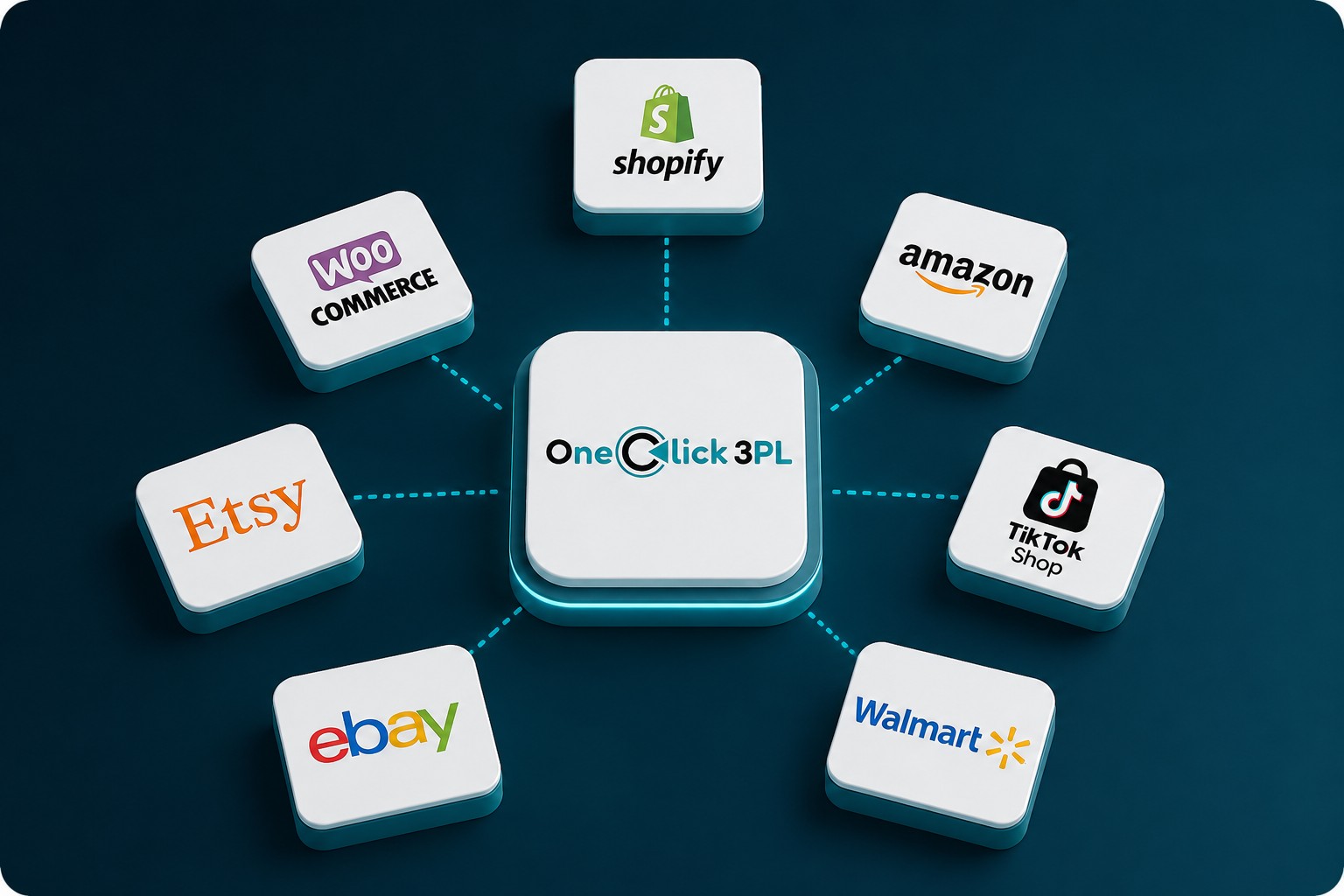
Selling on Shopify, Amazon, and a marketplace or two used to mean juggling separate inventory counts for each — and eventually overselling something you didn't actually have. Multi-channel fulfillment, done right, replaces that with a single inventory pool that every channel draws from and updates in real time.
Why One Inventory Pool Matters
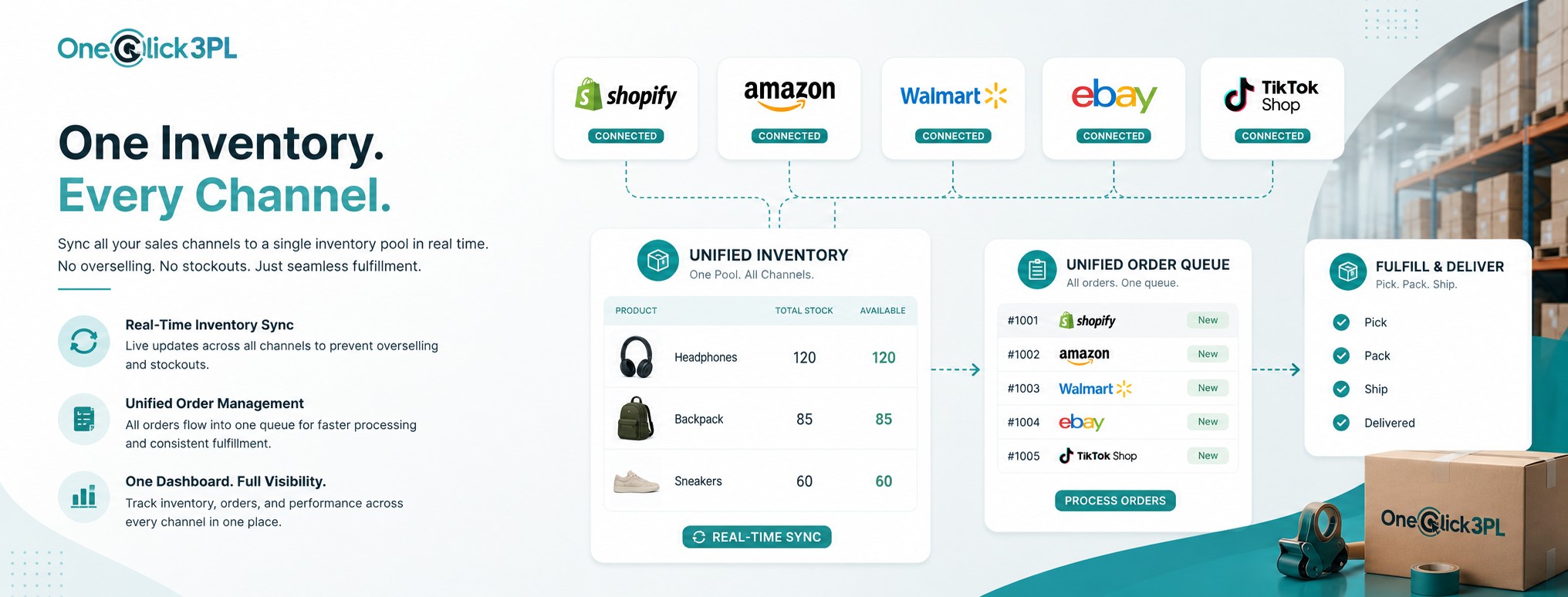
When every sales channel checks against the same live inventory count, you eliminate the manual spreadsheet reconciliation that causes overselling and stockout surprises. One pool also means you're not holding separate safety stock for each channel — inventory works harder because it's available to whichever channel needs it.
Connecting Your Sales Channels
Start by connecting your primary storefront platform, then layer in marketplaces one at a time. Each integration should sync orders in and inventory counts out automatically — if a channel requires manual CSV uploads to stay in sync, it's a sign the integration isn't set up correctly yet.
Avoiding Overselling
Overselling happens when two channels sell the last unit of a SKU before inventory counts sync. The fix is real-time or near-real-time inventory updates across every connected channel, plus a small buffer stock on your fastest-moving SKUs while any new channel integration is first going live.
- {{ICON_CHECK}} Real-time inventory sync across every connected channel
- {{ICON_CHECK}} A small buffer stock during new channel rollouts
- {{ICON_CHECK}} One order queue instead of channel-by-channel spreadsheets
Unified Order Routing
Orders from every channel should land in a single fulfillment queue, processed the same way regardless of where they originated. This keeps pick, pack, and shipping consistent and means adding a new sales channel doesn't require a new fulfillment workflow.
Reporting Across Channels
With everything flowing through one system, you get a single view of inventory levels, order volume, and fulfillment performance across every channel — instead of having to stitch together separate reports from each platform to understand your full picture.
Rolling Out Channel by Channel
Rather than connecting every channel at once, bring them online one at a time, confirming inventory sync and order flow are working correctly before adding the next. This makes it far easier to catch and fix an integration issue before it affects multiple channels at once.
Selling on More Than One Channel?
Tell us which platforms and marketplaces you sell on and we'll map out the integration.